How to get anything onto your Kindle
The three routes onto a Kindle, the failures nobody warns you about, and how to make a wall of text read like a book once it lands.
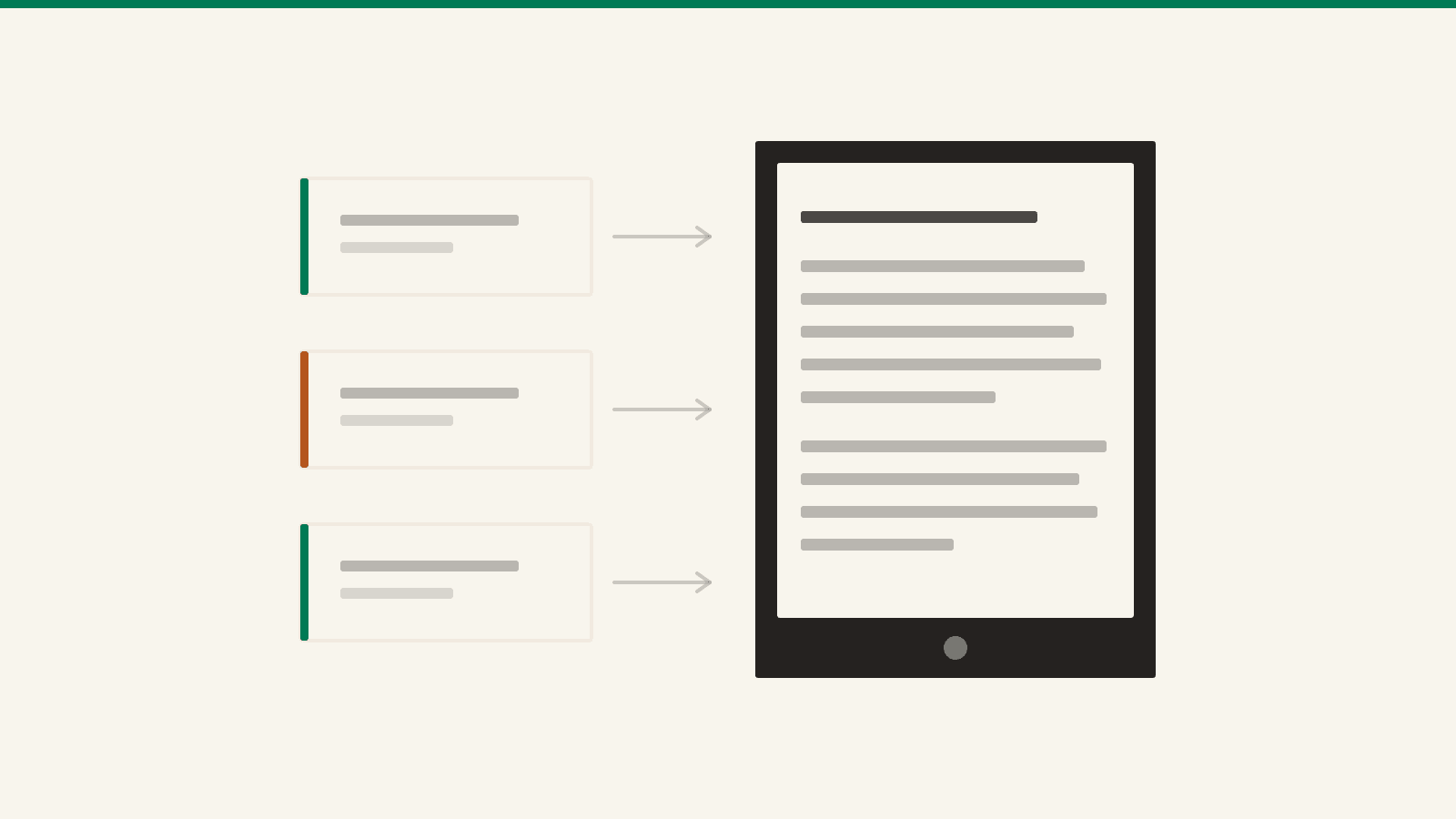
You already know where you read best. It's the device with no notifications, no tabs, and a battery measured in weeks. The problem was never the reading — it's that everything worth reading arrives somewhere else: a browser tab, a chat window, a PDF in your downloads folder.
Getting those onto the Kindle is easy. Getting them onto the Kindle in a state you'll actually read is the part nobody explains.
The three routes
Email. Every Kindle has its own address, something like name_123@kindle.com. Anything you send there shows up in your library. Find the address in Amazon's Manage Your Content and Devices → Preferences → Personal Document Settings — and while you're on that screen, add the address you'll be sending from to the Approved Personal Document E-mail List. Amazon silently drops mail from anyone else. No bounce, no warning, just nothing arriving.
The browser. Amazon's Send to Kindle page does the same thing without the round-trip: drag the file in while signed into your account. On a phone, the share sheet has a Kindle entry that works the same way.
The cable. Plug the Kindle into a computer and it mounts as a plain drive with a documents folder. Whatever you drop in shows up. This is the only route that doesn't touch Amazon's servers — and the one with the sharpest edge, below.
What silently fails
- MOBI. Amazon stopped accepting it for new sends in 2022. Books already in your library are unaffected; that
.mobion your disk is a dead end. Convert it or find the EPUB. - EPUB over USB. This one catches everyone. You can send an EPUB by email and it arrives fine — because Amazon converts it on the way in. Copy that same file into
documentsover the cable and it simply never appears. The conversion is the service, not the format. - PDFs on a small screen. A PDF keeps its page layout, which is the whole point of a PDF and a disaster on a six-inch display: fixed columns, unchangeable type size, pinch and pan. If the PDF is really just text, email it with the word Convert as the subject line — Amazon converts it into a reflowable book and you get your font size back. The whole PDF story is here.
- The nameless file. Send
document(3).docxand that is exactly what your library will call it, forever, sorted next to everything else you didn't name.
A file is not yet a book
Once it's on the device, the difference between a document and a book is navigation.
A book has chapters, so the Kindle can tell you "12 minutes left in this chapter" instead of "3% of a blob". It has a table of contents, so the menu button goes somewhere. It has a title and an author, so you can find it again in a year. It reflows, so you can read it at the type size your eyes want at 11pm.
That's not a Kindle feature you switch on — it comes from the file. An EPUB whose headings became real chapters gives you all of it. A pasted wall of text gives you none of it, even though both arrive at the same address.
So the useful step happens before sending: turn the thing into a book, then send the book. That's what our Send to Kindle tool does — paste Markdown or plain text, headings become chapters, and it builds the EPUB in your browser and mails it for you. Nothing gets uploaded unless you ask for the email.
What's actually worth sending
Once sending is a two-minute habit, the question becomes what deserves the trip:
- The long AI answer you'll never scroll back to. A conversation reads badly in a chat window and surprisingly well as chapters — one per question. Export a ChatGPT conversation.
- Deep Research reports. They're twenty pages of prose delivered into a browser tab, which is the worst possible container for twenty pages of prose. Send one to your Kindle.
- Your own notes. A Notion export or a handful of Obsidian notes become a readable draft you can review away from the machine you wrote them on — Notion, Obsidian.
- Your highlights, going the other way. Everything you've marked is sitting in a
My Clippings.txtfile on the device. Get it out as Markdown or CSV.
And the thing you can't send
There is one gap all of this leaves open. Sending assumes the text already exists somewhere — that someone wrote the thing you want to learn, at the depth you need, for someone like you.
Often nobody did. That's the part Sapiens writes: you give it a topic and who it's for, it plans a syllabus, writes every lesson in full, and delivers the course to the same Kindle address you just set up. Same two minutes, except the book is yours.